Unlock creative
diversity
When creative is too similar, our systems may reach the same audience repeatedly.
Creatives generated in the past 7 days
Creatives created by some amazing brands




Install
How to install
Get up and running in under a minute.
Prerequisite
You'll need a Gemoniq API key from app.gemoniq.com to use this skill.
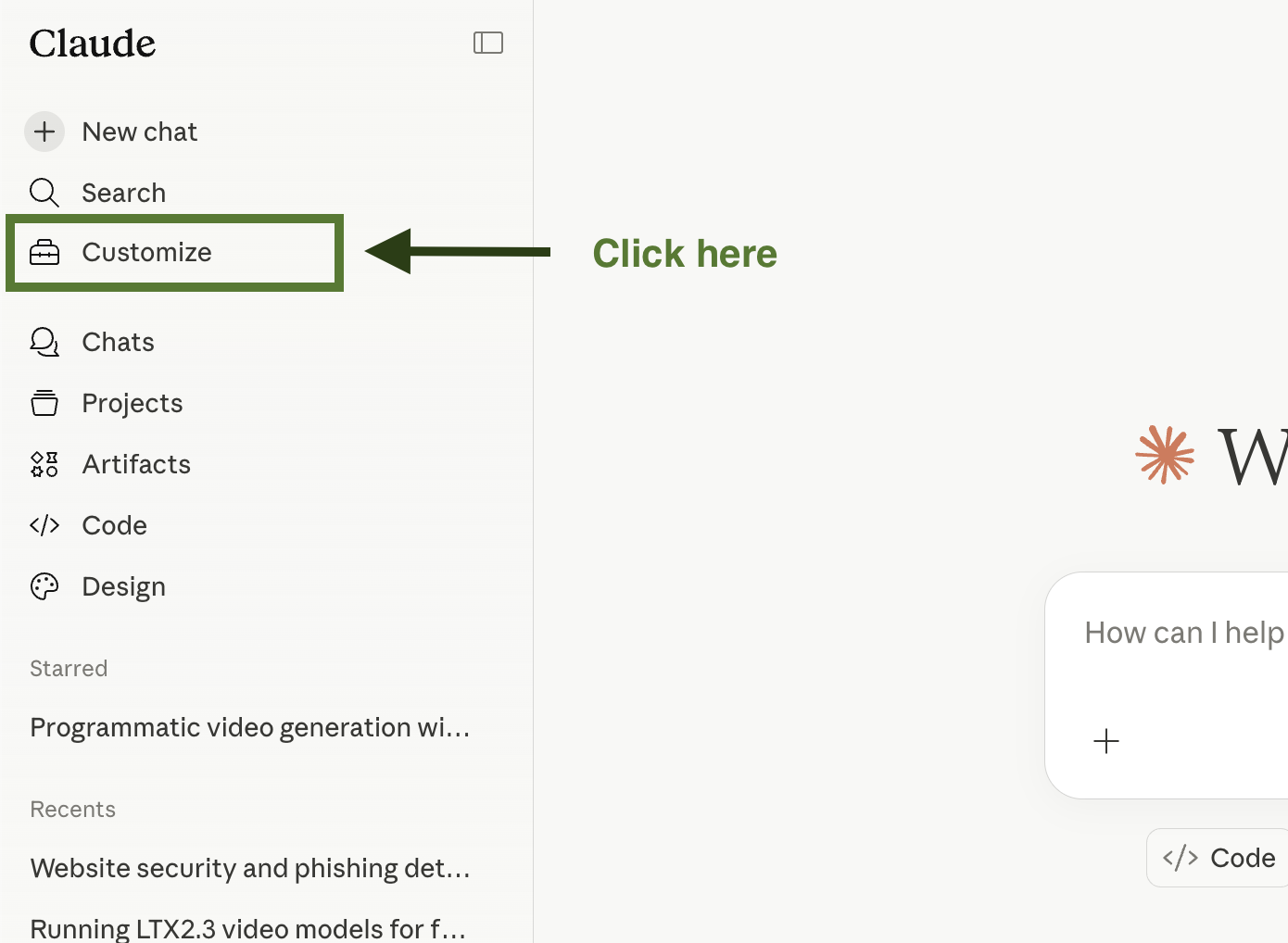
Open the Customize panel
In Claude.ai, click Customize in the left sidebar to open the skills manager.
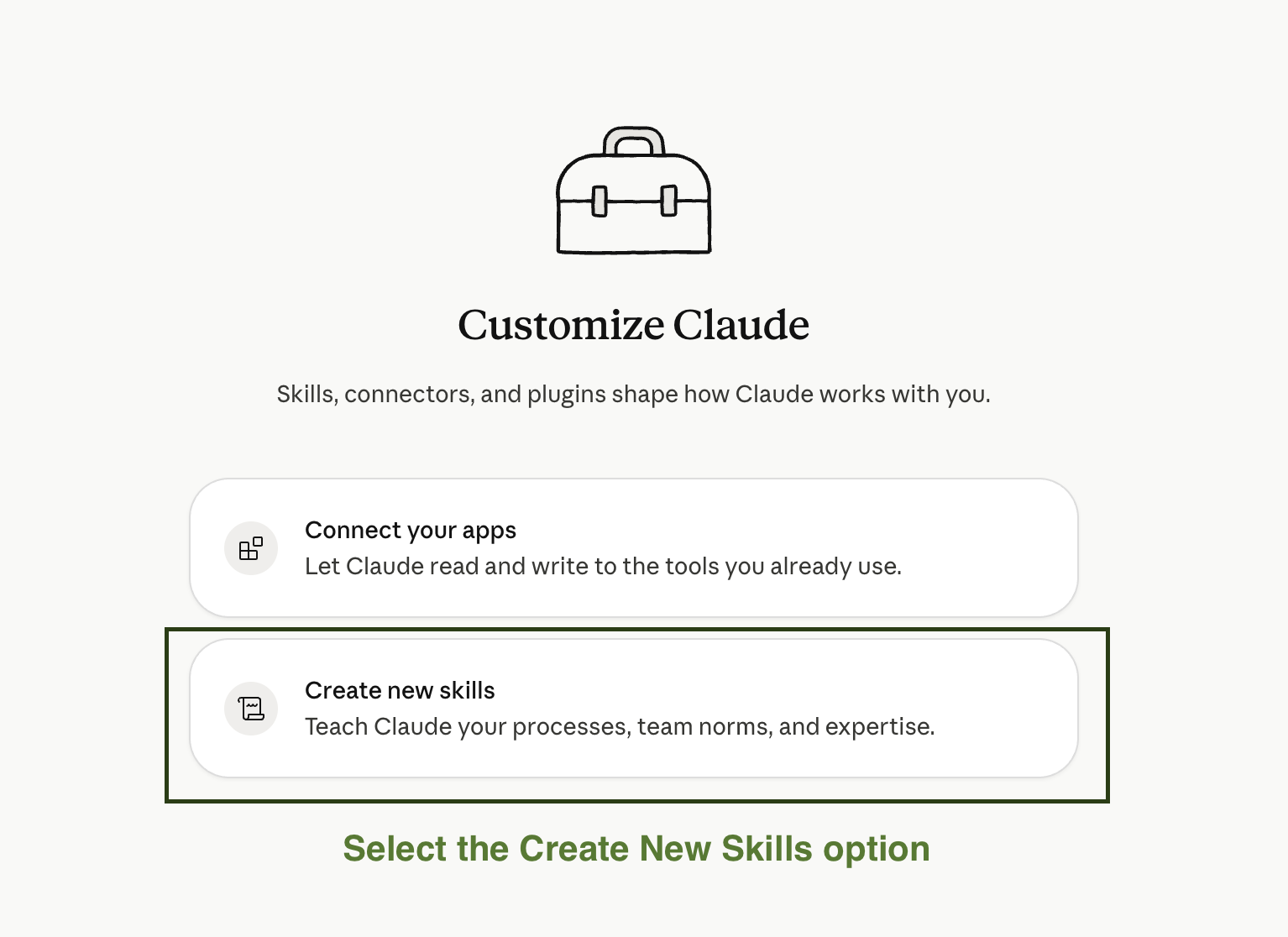
Select Create new skills
In the Customize panel, choose Create new skills — this is where you upload the zip.
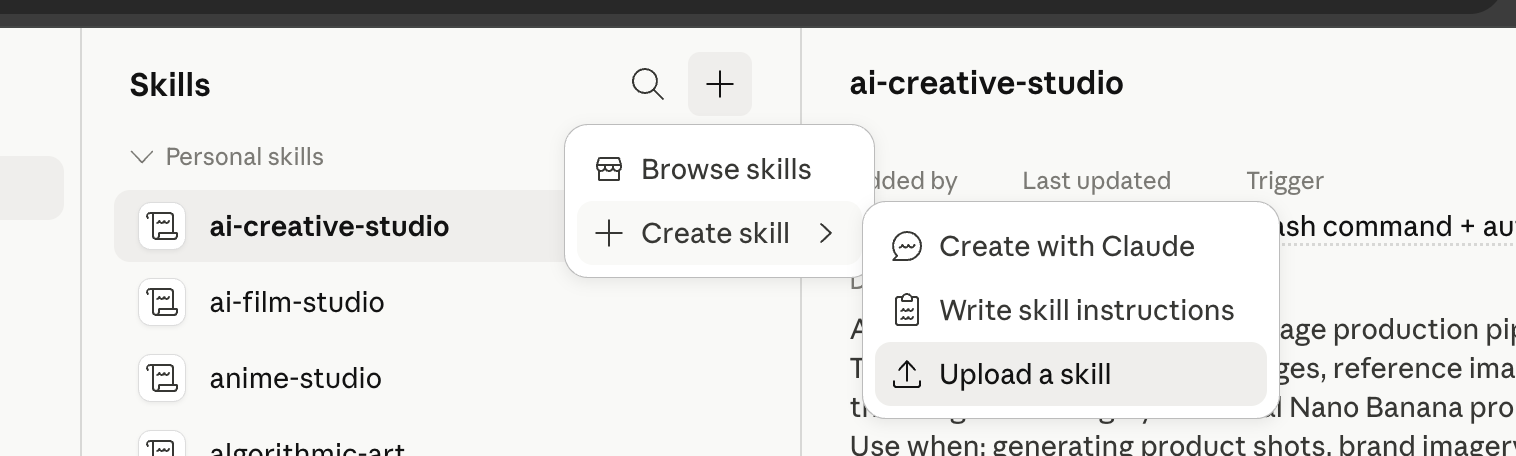
Upload the skill
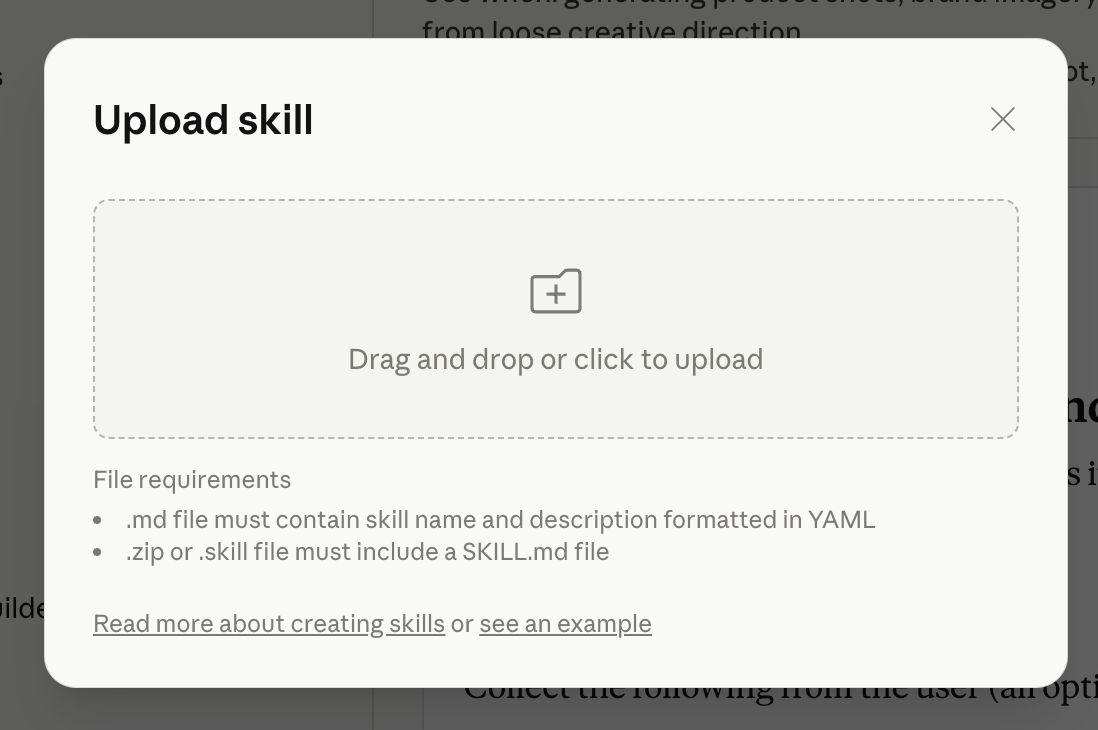
Click the + button, choose Create skill → Upload a skill, then drag in the creative-diversity.zip you downloaded in Step 01.
Start using it
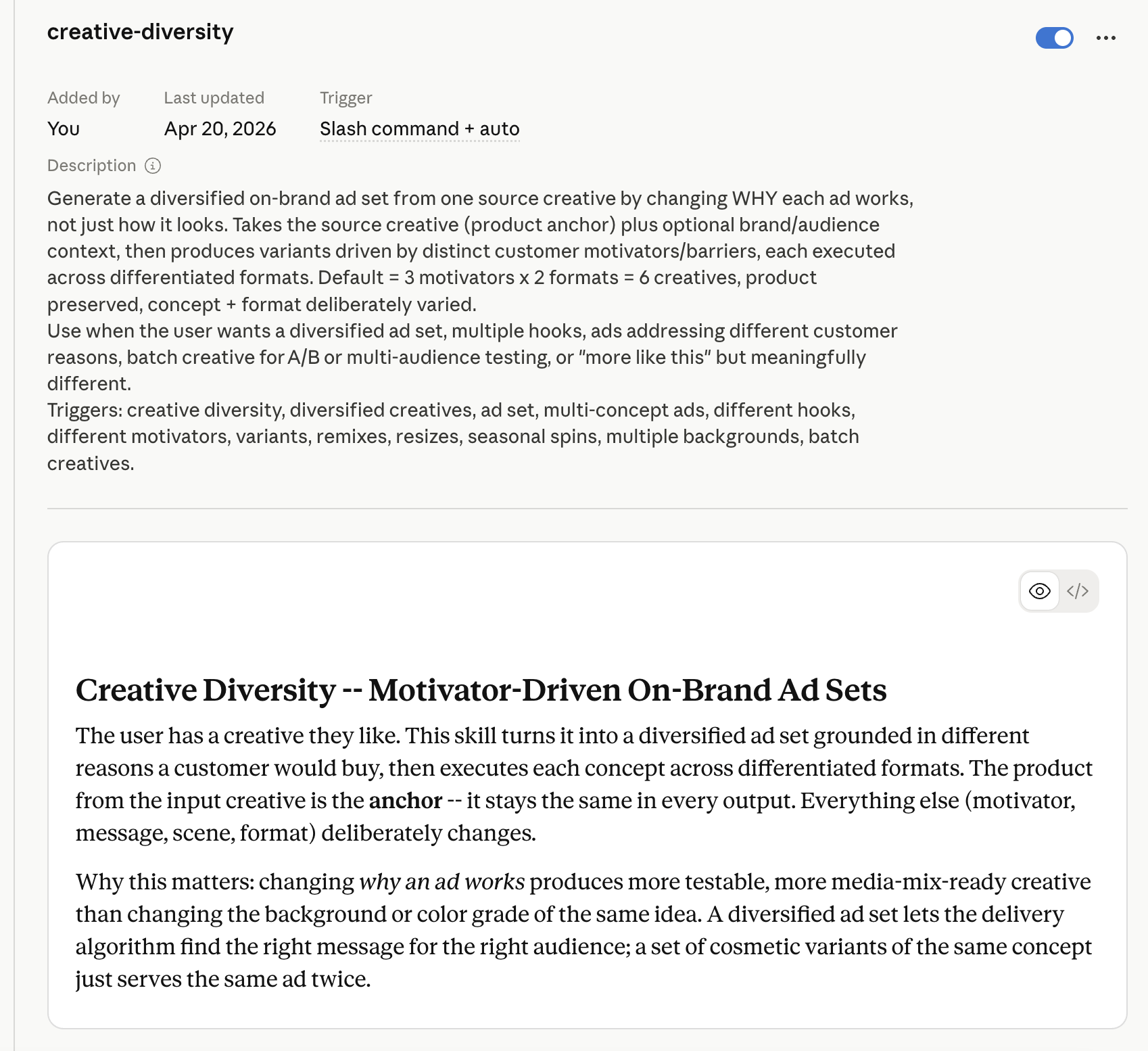
Once uploaded, type /creative-diversity in any Claude chat to invoke the skill. Refer to the demo video above for a walkthrough of what to expect.
Or skip the setup
Prefer a purpose-built platform?
If you'd rather not wire this up yourself, the Gemoniq Agent runs this skill — and a lot more — out of the box.